Green Screen Mockups: Complete Guide to Chroma Key Compositing and Video Production
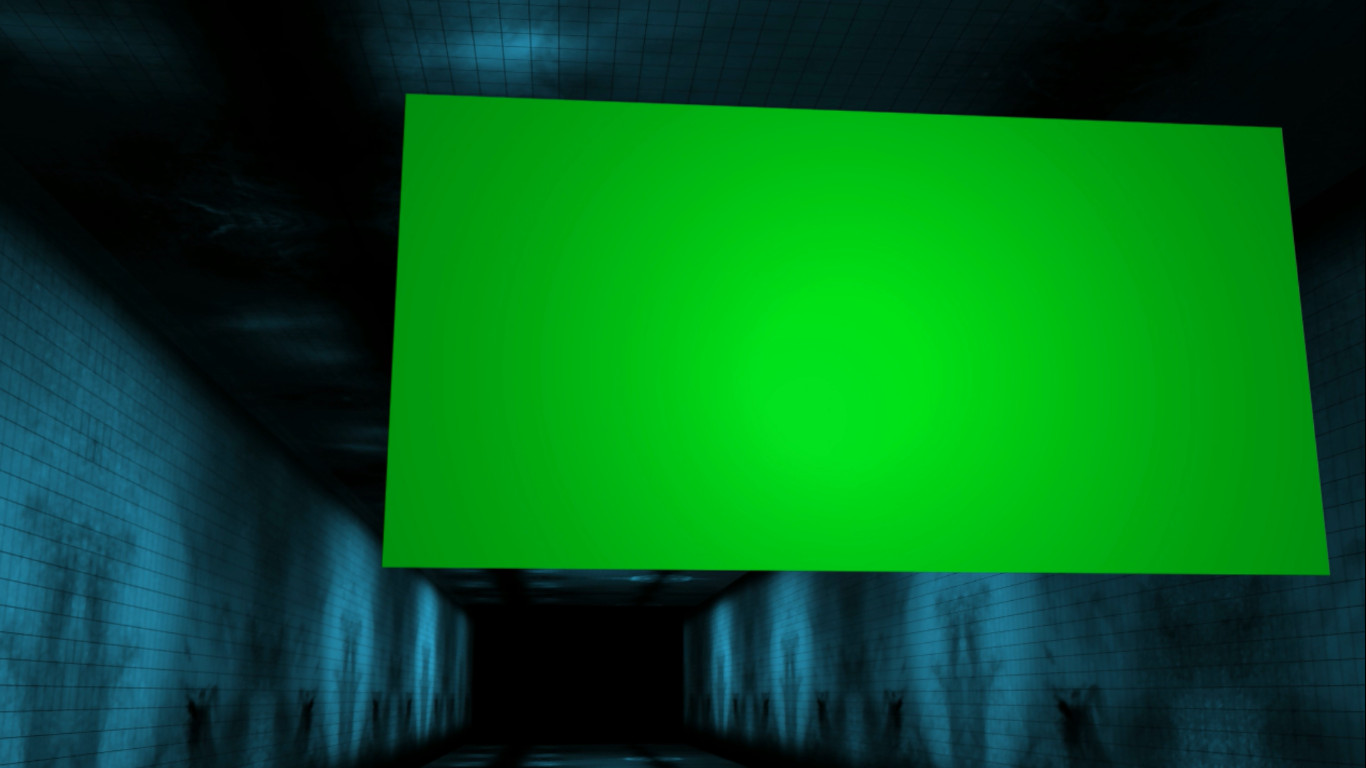
Green screen mockup templates provide chroma key-ready backgrounds for professional video production, enabling creators to replace backgrounds with any image or video and unlock unlimited creative possibilities. From broadcast news to Hollywood films, from corporate training to social media content, chroma key compositing has revolutionized how visual content is produced. Modern green screen templates go beyond simple background removal to include professional lighting simulations, shadow generation, edge refinement, and color spill reduction that make composites look natural and seamless. Explore our collection of background animation stock footage and motion graphics.
Why Green Screen Mockup Templates Matter
Green screen technology enables creators to separate subjects from their background and place them in any environment, opening creative possibilities that were once only available to major production studios. Today, affordable green screen setups combined with professional mockup templates make Hollywood-quality compositing accessible to creators at every level.
Viewers have become sophisticated critics of visual effects, and poor chroma key work immediately undermines credibility. Professional green screen mockup templates from SPurno Animation Studio are designed for compatibility with major compositing tools including Adobe After Effects, Premiere Pro, Final Cut Pro, and DaVinci Resolve, ensuring clean, natural-looking results across the entire production pipeline.
Understanding Chroma Key Technology
Chroma key compositing works by isolating a specific color range — typically green or blue — and making it transparent so another image or video can be placed behind the subject. Green is the most common choice because it is less likely to match skin tones or clothing colors, digital cameras capture green with greater sensitivity due to the Bayer filter pattern, and green screens require less light than blue screens for equivalent keying quality.
Successful chroma keying depends on three critical factors: even lighting across the green screen surface, adequate distance between the subject and the screen to prevent color spill, and a camera that records sufficient color information for clean keying. Professional green screen mockup templates account for these variables and include guides for optimal setup.
Best Uses & Applications
- Product Photography and E-Commerce Content — Showcase products against any background without physical studio setups, reducing production costs while enabling unlimited creative backgrounds.
- Video Presentations and Virtual Backgrounds — Present content from any location with professional backgrounds that enhance credibility. Virtual backgrounds are essential for remote work, webinars, and online courses.
- Creative Effects and Compositing Projects — Combine multiple visual elements into seamless composites for music videos, short films, and artistic projects where complex visual narratives are required.
- Educational Content and Tutorials — Place instructors in contextually relevant backgrounds that support learning objectives without visual distraction.
- Virtual Event Production and Live Streaming — Create immersive virtual stages for conferences, webinars, and live broadcasts with dynamic background environments.
- Social Media Content Creation — Produce professional-looking videos for TikTok, Instagram, and YouTube with engaging backgrounds that increase viewer retention.
Production Workflow
- Set Up Lighting — Use soft, even lighting to illuminate the green screen surface, eliminating shadows and hot spots. Control background and subject lighting independently.
- Position Subject — Place the subject 3-6 feet from the green screen to minimize color spill and shadow casting.
- Record Calibrated Footage — Ensure adequate bitrate and resolution for clean keying. Higher bitrates preserve more color information.
- Key the Green Screen — Use keying tools in After Effects, Premiere Pro, or DaVinci Resolve. Adjust tolerance, edge thickness, and feather settings for clean results.
- Refine Edges and Spill — Apply spill suppression tools to remove green contamination from subject edges.
- Composite Background — Place your desired background behind the keyed subject. Adjust color matching and lighting direction for natural integration.
- Preview and Export — Review at full resolution to identify keying artifacts before final export.
Lighting Best Practices for Chroma Key
The quality of your chroma key result depends primarily on lighting quality. Use separate lights for the green screen background and the subject. Background lights should be diffused and positioned to create even illumination across the entire green surface. Subject lighting must match the lighting direction implied by the replacement background for realistic integration. The distance between subject and green screen — minimum 3 feet, ideally 6-10 feet — is critical for preventing green spill contamination.
Technical Specifications
| Chroma Key Setup | |
|---|---|
| Screen Color | Chroma green (RGB 0,177,64) or chroma blue |
| Screen Material | Muslin, polyester, or rigid panel |
| Subject Distance | 3-10 feet from screen |
| Lighting | Soft, diffused, even illumination |
| Footage Requirements | |
|---|---|
| Resolution | 1920x1080 minimum, 3840x2160 recommended |
| Bitrate | 50 Mbps minimum for HD, 100 Mbps for 4K |
| Color Sampling | 4:2:2 or 4:4:4 preferred |
| Codec | ProRes, DNxHD, or high-bitrate H.264 |
| Compatibility | |
|---|---|
| Software | After Effects, Premiere Pro, Final Cut Pro, DaVinci Resolve |
| Usage | Broadcast, web, social media, live streaming, film |
| Licensing | Royalty-free standard license |
Pros
- Unlimited creative background possibilities
- Cost-effective compared to location shooting
- Consistent results across multiple takes
- Compatible with major compositing software
- Enables complex visual effects
Cons
- Requires careful lighting for clean keys
- Color spill can be difficult to eliminate
- Fine details like hair need extra work
- Motion blur can degrade key quality
Verdict
Green screen mockup templates are essential for any video producer seeking professional compositing results. When combined with proper lighting and compatible software, these templates enable Hollywood-quality visual effects without Hollywood budgets. SPurno Animation Studio's green screen mockup collection provides the quality and versatility needed for everything from product photography to virtual event production.