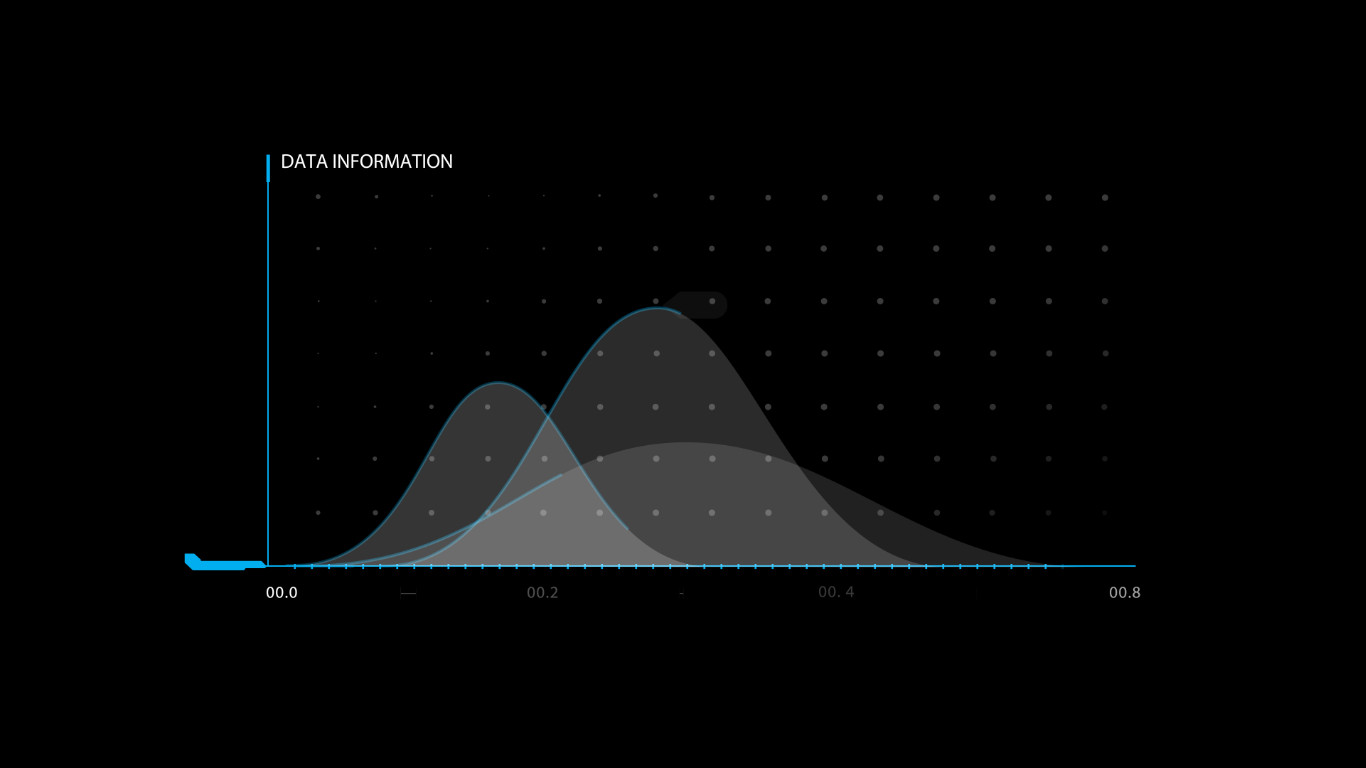
Infographic Templates: Complete Guide to Design and Video Animation
Infographic templates are the foundation of efficient data-driven video production. Professional templates combine pre-animated chart components, modular scene layouts, and customizable controls that let creators produce broadcast-quality infographics without advanced motion design skills. Whether you are building explainer videos, social media content, or corporate presentations, the right infographic template transforms raw data into compelling visual narratives. Explore our collection of background animation stock footage and motion graphics.
Why Infographic Templates Matter
Time is the most valuable resource in content production. Building an animated infographic from scratch in After Effects can take days or even weeks for complex visualizations. Infographic templates collapse that timeline to hours, delivering professional results with a fraction of the effort. Research shows that content with relevant data visualizations receives up to 94% more views than text-only alternatives, and animated infographics extend that engagement further by guiding viewers through data narratives step by step.
Beyond speed, templates enforce consistency. A well-designed template embodies best practices in visual hierarchy, color theory, and motion design that have been refined through professional use. By starting from a proven framework, creators avoid common pitfalls like overcrowded layouts, poorly timed animations, or inconsistent styling. The result is content that looks polished and intentional, regardless of the creator's experience level.
Infographic Template Categories
Professional infographic templates fall into several distinct categories, each optimized for different data types and presentation contexts:
- Statistical Chart Templates — Pre-animated bar charts, pie charts, line graphs, and number counters with data-driven controls for rapid value updates and animated transitions
- Timeline Templates — Horizontal and vertical timeline layouts with sequential reveals, milestone markers, and animated progress indicators for historical or project-based data
- Comparison Templates — Side-by-side layouts for before-and-after comparisons, pros-and-cons analysis, and feature differentiation with animated emphasis effects
- Process Flowchart Templates — Step-by-step diagram layouts with animated connecting arrows, numbered stages, and sequential reveals for explaining workflows and systems
- Map and Geographic Templates — Animated map layouts with data pins, heat maps, regional highlights, and location markers for geographic data presentation
- Icon-Based Infographic Templates — Modular icon-driven layouts with animated icon sequences, data callouts, and flexible grid arrangements for social media and marketing content
Each category serves specific content goals. Statistical charts excel at quarterly reports and research presentations, while process flowcharts are ideal for explainer videos and onboarding content. The most versatile template libraries offer multiple categories so creators can mix and match assets across projects.
Best Uses & Applications
Infographic templates are versatile tools that enhance content across multiple channels and formats. Understanding where each template type excels helps creators maximize their investment:
- Corporate Reports & Investor Presentations — Clean statistical chart templates transform quarterly data into professional presentations that communicate financial performance clearly and confidently
- Social Media Content & Marketing Campaigns — Bold icon-based templates and comparison layouts create scroll-stopping social content that drives engagement and shares on platforms like Instagram, LinkedIn, and TikTok
- Educational Videos & E-Learning Modules — Process flowchart and timeline templates explain complex concepts step by step, making them ideal for curriculum content and training materials
- Explainer Videos & Product Demos — Combination templates that integrate charts, icons, and text bring product benefits and market data to life in compelling narratives
- Conference Presentations & Keynotes — Full-screen infographic templates with dynamic transitions keep audiences engaged during live presentations and recorded talks
The key to effective use is matching template complexity to content purpose. Simple data sets benefit from clean, minimal templates, while multi-variable comparisons may require layered templates with sequenced reveals. Always test template readability at the target output size before finalizing your production.
Design Principles for Infographic Templates
Creating effective infographic templates requires balancing aesthetic appeal with functional clarity. The data must always remain the hero, with design elements serving to clarify rather than decorate. Key principles include:
Visual Hierarchy — The most important data points should be the most visually prominent. Use size, color, and position to guide the viewer's eye to key statistics first, then to supporting information. Titles and key numbers demand the highest visual weight, while labels and annotations should recede into the background.
Color Strategy — Limit infographic palettes to 3-5 colors to maintain visual coherence. Use brand colors for primary data elements, neutral tones for backgrounds and gridlines, and accent colors for call-to-action elements. Ensure sufficient contrast ratios for accessibility compliance and readability on mobile screens.
Typography Selection — Choose no more than two font families: one for headers and one for body text. Sans-serif fonts like Helvetica, Montserrat, or Open Sans perform best for on-screen infographics, maintaining legibility at small sizes and across varied backgrounds.
Motion Pacing — Animated data reveals should give viewers time to absorb each element before introducing the next. A general guideline is 2-3 seconds per data point, with transitions lasting 300-500 milliseconds. Consistent pacing creates rhythm that viewers subconsciously anticipate and trust.
Production Workflow
A structured production workflow ensures consistent quality when working with infographic templates:
- Define Your Data Narrative — Identify the key story your data tells. Structure information in a logical flow: introduce context, present data, highlight insights, and end with a conclusion or call to action
- Select the Right Template Category — Choose a template that naturally fits your data type. Bar charts for comparisons, pie charts for proportions, timelines for sequences, and process flows for workflows
- Customize Colors and Typography — Update template colors to match your brand palette using Essential Graphics controls. Replace placeholder fonts with your brand typography, ensuring legibility at all sizes
- Input Data and Adjust Values — Replace sample data with your actual figures. Verify that chart scales and proportions accurately reflect real values. Adjust animation timing if needed to match your content pacing
- Add Contextual Elements — Incorporate titles, labels, callouts, and source citations. Add background music and sound effects to enhance engagement. Narrate complex sections for accessibility
- Review and Export — Preview the full animation to verify timing, legibility, and data accuracy. Export at the target platform's optimal resolution — 1080p for web, 4K for broadcast
Technical Specifications
| Resolution & Format | |
|---|---|
| Resolution | 3840 x 2160 (4K UHD) / 1920 x 1080 (Full HD) |
| Frame Rate | 23.976, 29.97, or 30 fps |
| Codec | H.264, H.265 (HEVC), ProRes 422 |
| File Format | AEP (After Effects), MOGRT (Premiere Pro) |
| Color Space | Rec. 709, sRGB |
| System Requirements | |
|---|---|
| RAM | 8 GB minimum, 16 GB+ recommended |
| GPU | 2 GB VRAM minimum for smooth preview |
| Software | After Effects CC 2020 or later |
| Storage | 50 MB – 500 MB per template |
| Compatibility | |
|---|---|
| Software | After Effects, Premiere Pro, Final Cut Pro |
| Usage | Broadcast, web, social media, presentation |
| Licensing | Royalty-free standard license |
Pros
- Reduces production time from days to hours
- Professional motion design without advanced skills
- Modular components allow endless customization
- Consistent visual quality across projects
- Royalty-free licensing for commercial use
Cons
- Requires After Effects knowledge for deep customization
- Template style may not suit every brand identity
- Complex templates can slow render times
- Data import may require manual value entry
Verdict
Infographic templates are essential tools for any content creator who regularly works with data visualization. They deliver professional results in a fraction of the time required for custom builds, enforcing design best practices while remaining flexible enough for brand customization. SPurno Animation Studio's template library covers every major category from statistical charts to process flowcharts, with assets optimized for After Effects and Premiere Pro. Start with our premium collection to accelerate your next data-driven video project.