Presentation Slides Templates
Presentation Slides Templates Practical Guide
Presentation slide templates help speakers explain ideas with structure, consistency, and stronger visual rhythm.
SPurno Animation Studio creates reusable motion graphics, templates, mockups, and visual assets for editors, designers, marketers, and stock footage buyers who need production-ready results.
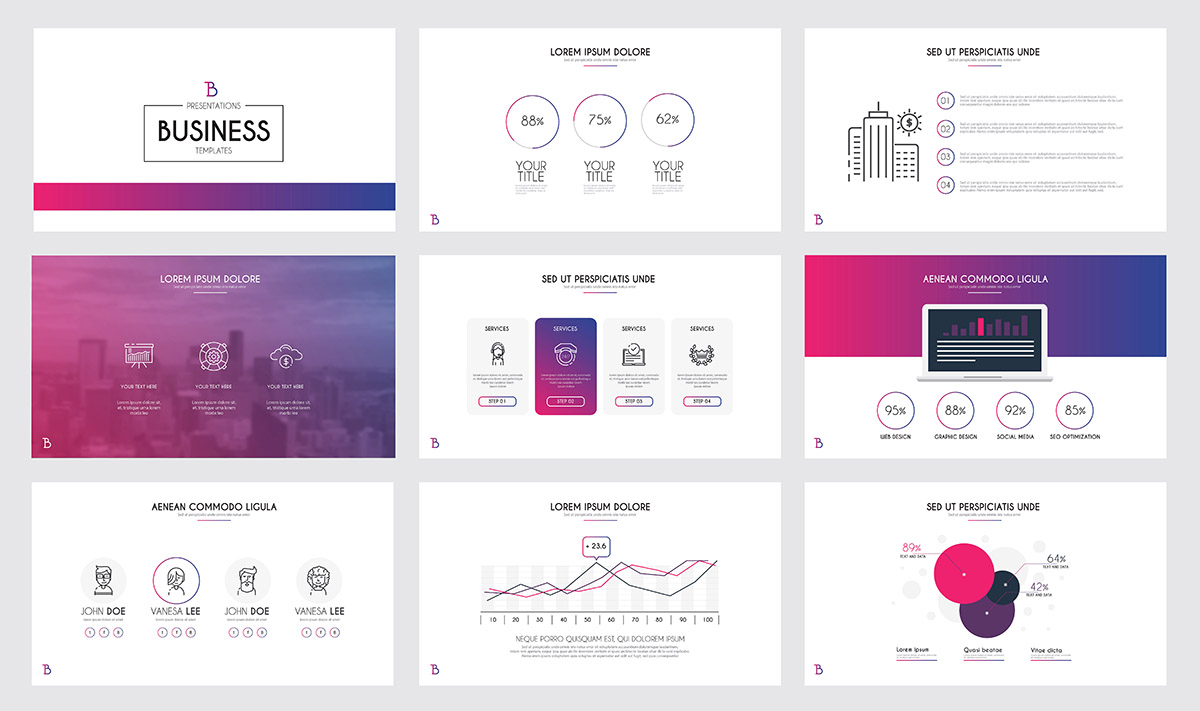
Effective slides balance clarity and style. Graphics, icons, and transitions should support the message rather than crowding the screen.
Best Uses
- Business proposals, course lessons, and webinars
- Product demos, startup decks, and conference talks
- Animated slide videos for social and internal communication
Production Workflow
- Start with one idea per slide.
- Use repeating layouts so the audience understands the pattern.
- Add motion only where it reveals information or improves pacing.
Presentation Slides Templates Production Notes
Keep the final viewer in mind. The asset should load quickly, remain readable on mobile, and leave enough clean space for logos, captions, titles, or product details.
Related resources: motion graphics stock video, motion graphics backgrounds, and SPurno stock portfolio.
Export Checklist
- Test charts and text from the back of a room.
- Export PDF and video versions when needed.
- Keep fonts and colors consistent across the deck.
Before publishing, review the design at the final size, confirm that important text is readable, and keep an editable source version for future campaign updates.
Source: SPurno Animation Studio
Tags:
About The Author

SPurno Animation Studio
SPurno is creating beautiful animation videos for video editors and motion graphics designers.